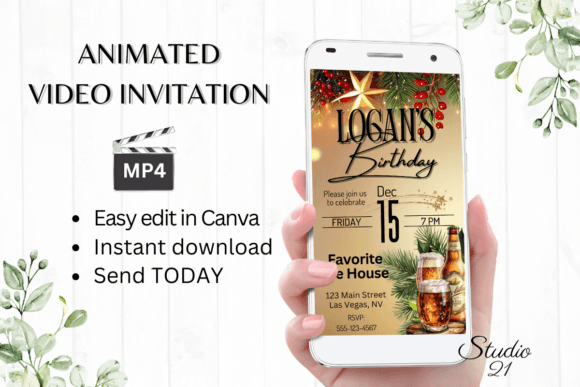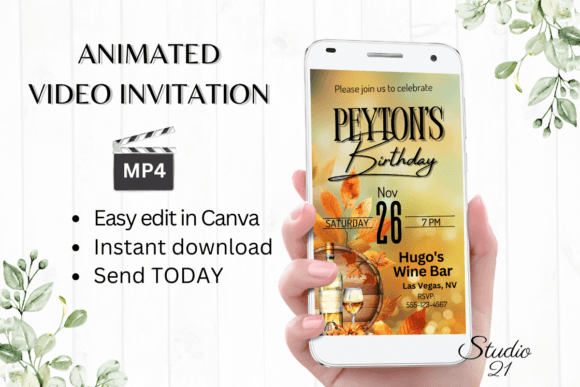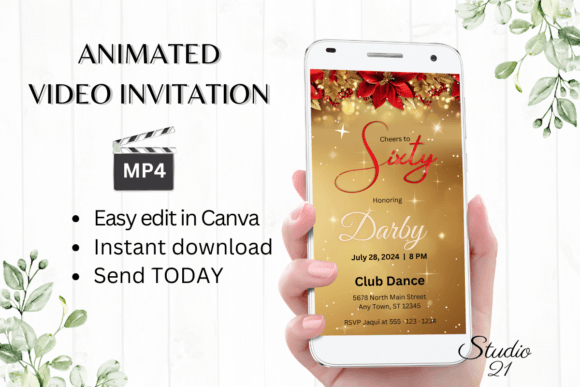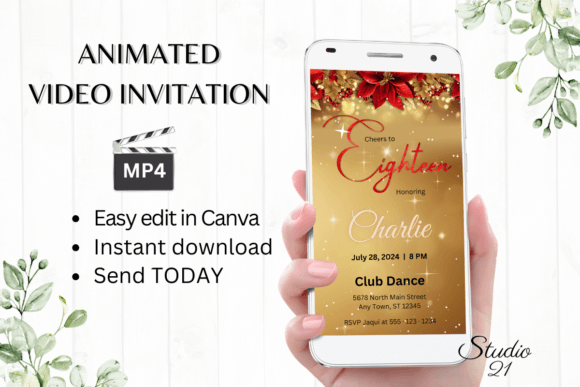
Stunning Holiday Party Invitations: A Digital Template Guide
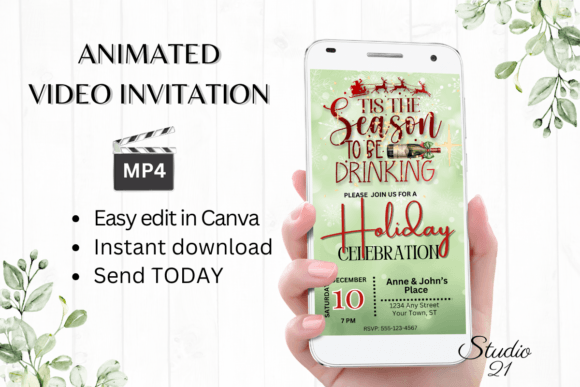
Planning a holiday gathering involves a dozen small details, but the invitation sets the tone for everything that follows. A Holiday Party Invitation that feels static or generic often fails to capture the excitement of the season. Enter the era of digital animated video invitation templates. These are not just static images; they are dynamic, engaging pieces of digital design that you can edit and send within minutes. For the modern host—whether you are an entrepreneur planning a client appreciation event or a creative throwing a festive bash—this approach bridges the gap between professional design standards and personal convenience.
The Shift to Digital: Why Animated Invitations Win
As a designer and strategist, I have seen a massive shift in how we approach modern typography and digital assets. The days of wrestling with complex software just to send an invite are over. The core appeal of a template like this is the immediate access to Canva. You do not need to download fonts or install heavy software. Whether you are on your desktop or making quick fixes on your smartphone, the workflow is seamless.
Visually, these templates leverage the power of motion graphics. A static image is easily scrolled past, but a subtle animation—perhaps a shimmering snow effect or elegant text reveals—commands attention in a crowded inbox or social feed. This isn't just about decoration; it’s about visual hierarchy. The movement guides the viewer’s eye to the essential details: the date, the time, and the location. When you download your personalized evite as an MP4 file, you are creating a piece of content that feels premium and polished, instantly elevating the perceived value of your event.
Practical Applications: From Corporate to Personal
The versatility of a high-quality Holiday Party Invitation template is where it truly shines for a diverse audience. For small business owners and marketers, this is a tool for brand consistency. You can tweak the font style, color, and size to match your company’s branding guidelines. Imagine sending a sleek, animated invite to your VIP clients that features your brand’s signature sans serif font paired with a festive script font. It communicates professionalism and attention to detail without the cost of hiring a motion graphics artist.
For bloggers and content creators, the visual appeal is paramount. These templates often utilize premium font pairings that look expensive and curated. You can use these invitations to drive engagement for a virtual hangout or a real-life meetup. Because you can add or delete text, the template adapts to your specific voice. It works just as well for a cozy family dinner as it does for a high-energy office party. The ability to share via WhatsApp, Messenger, or email means you meet your audience where they are, ensuring higher open rates than traditional mail.
Design Anatomy: Typography and Style
Let’s look under the hood at the design elements. A strong Holiday Party Invitation template usually balances legibility with flair. You will often find a combination of a sturdy serif font or geometric sans serif for the body text, ensuring the critical details are readable on any device. This is contrasted with a decorative display font or handwritten font for the headers to evoke that warm, festive personality.
When editing, pay attention to text effects. Canva allows you to adjust kerning and line height, but the template usually comes pre-set with optimal spacing. However, if you are a graphic designer, you might want to experiment with changing the animation style to better fit the mood. Does the current animation feel too playful for a formal corporate gala? Swap it for a more subtle fade. This flexibility allows you to treat the template as a starting point for your creative font exploration. It serves as a practical lesson in font pairing—seeing how a bold header interacts with a clean sub-header in motion.
Optimizing for Impact: A Step-by-Step Guide
To get the most out of this digital asset, follow a structured approach. First, consider the brand perception you want to establish. If you are a crafter or hobbyist, lean into the more whimsical, textured elements of the design. If you are in publishing or editorial design, strip back the clutter and let the modern typography do the heavy lifting.
- Evaluate the Hierarchy: Before you change colors, look at the text size. The most important information (the "What") should be the largest. The "When" and "Where" follow. Ensure your edits maintain this flow.
- Check Readability: If you change the background color or upload a new photo behind the text, ensure the contrast remains high. A beautiful display font is useless if it blends into the background.
- Test the Loop: Since this is an MP4, watch the loop. Does the animation restart smoothly? Does the text appear long enough for someone to read it before it changes? You can usually adjust the timing in the Canva timeline.
Ultimately, a Holiday Party Invitation template is more than just a time-saver; it is a bridge to better digital design. It allows non-designers to access design assets that would otherwise require specialized skills, while giving professionals a quick way to execute high-quality concepts. By leveraging the power of Canva and focusing on clear, animated communication, you ensure your holiday event gets the attendance it deserves.