Modern Business Card Complete Layer Set: A Practical Design Toolkit
Understanding the Structure and Appeal
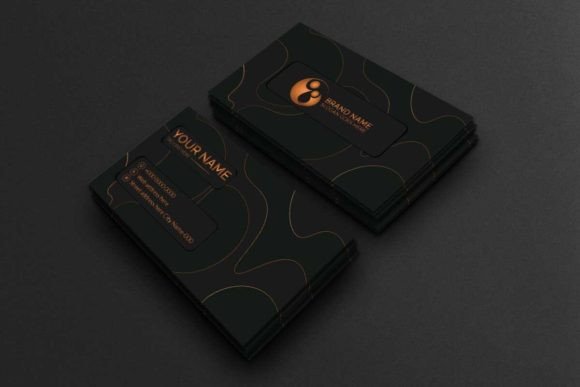
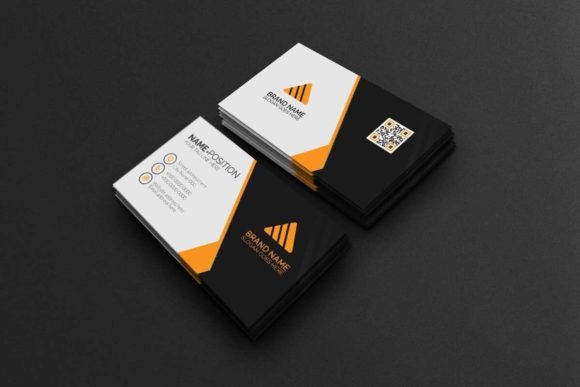
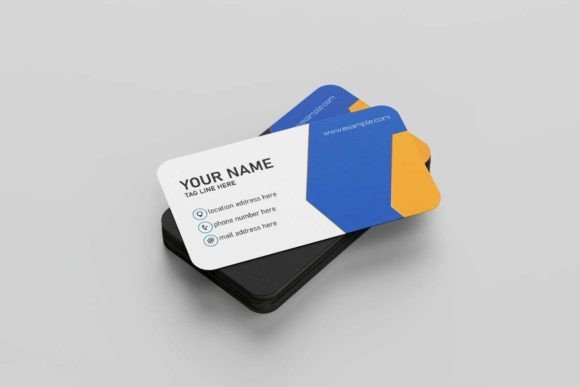
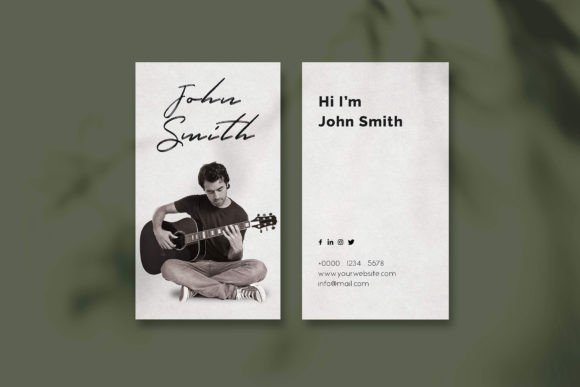
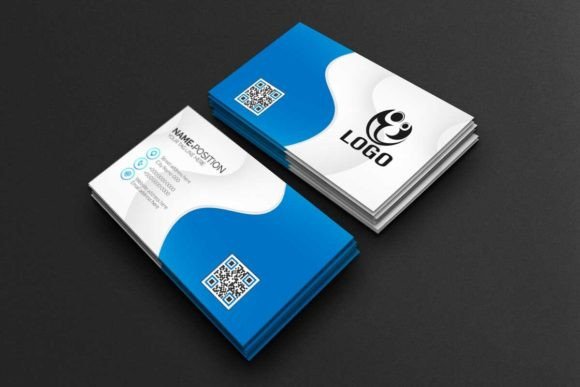
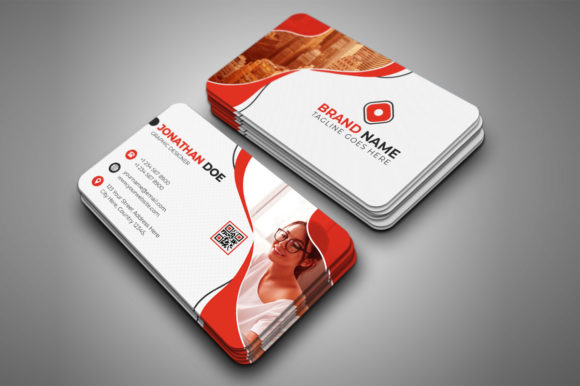
The Modern Business Card Complete Layer Set is a corporate business card template design built for Adobe Photoshop. It’s not just a static image; it’s a fully structured, editable project file designed for real-world use. The visual style leans towards clean, contemporary professionalism. Think crisp lines, balanced negative space, and a layout that prioritizes clear contact information without unnecessary clutter. Its personality is versatile—confident enough for a financial consultant yet adaptable for a creative agency or a freelance photographer. The overall appeal lies in its ready-to-use professionalism and the control it offers.
This template is delivered as a Photoshop file with every element on its own layer. That means the company name, job title, phone number, email address, and any graphic accents are separated. You can click on the text to change the wording, adjust the font size, or swap the color to match your brand palette in seconds. The design uses a standard 3.5x2 inch dimension with a 0.25-inch bleed and includes die-cut and trim marks, which are essential guides for any print shop. It’s set to CMYK color mode at 300 DPI, so the colors you see on screen are what you’ll get in print—no surprises.
Where This Template Fits Best
This complete layer set shines in scenarios where speed and professionalism are equally important. For a small business owner launching a new venture, it eliminates the guesswork and high cost of hiring a designer from scratch. A marketing manager updating team cards can ensure brand consistency across dozens of employees with minimal effort. The template’s structured layers make it ideal for creating coordinated sets—for example, designing a card for a CEO, a sales director, and a customer service representative using the same base design with role-specific tweaks.
Beyond the standard business card, the organized file structure is a fantastic learning tool. If you’re a hobbyist or aspiring designer, you can open the file and see how a professional template is constructed. You’ll learn about layer organization, setting up bleeds, and preparing files for print. For bloggers and content creators who sell digital products, this set serves as an excellent foundational asset. You can customize it to create a product you can resell, provided you adhere to the licensing terms, turning a design asset into a revenue stream.
Making It Your Own: Practical Guidance
Getting started is straightforward, but a few considerations will ensure the best results. First, evaluate the project fit. The modern, corporate style is a great baseline, but if your brand is highly whimsical or uses a very specific display font, you may need to do more extensive customization. The included help file is crucial here—it details the font used and provides links to download it for free, ensuring your edits match the original design’s integrity.
When you begin editing, focus on visual hierarchy. The template is already set up with a clear hierarchy (likely with your name or business name as the most prominent element), but you should verify it aligns with your priorities. Is your job title or your website more important? Adjust the font weights or sizes accordingly. Test your changes at actual size on screen; what looks good zoomed in can sometimes feel cramped at 3.5x2 inches. If you’re pairing this template with other design assets for a full brand identity, consider how the card’s sans serif or serif font choices will work with your logo and website typography. Aim for a font pairing that feels cohesive, not conflicting.
Remember, the images or logos you see in the preview are not included. You’ll need to have your own logo file ready, preferably in a vector format like .AI or .EPS for best quality. Place it on its own layer and use the template’s guides to position it perfectly. Because the file is print-ready, your final step is simply to export a high-resolution PDF for your printer. The clarity of the organized layers and the included bleed make this process seamless, turning what could be a technical headache into a simple, confident final step.
In essence, this Modern Business Card Complete Layer Set is more than a template; it’s a production-ready toolkit. It bridges the gap between needing professional print materials and having the time, budget, or expertise to create them from zero. For entrepreneurs, it’s a launch accelerator. For designers, it’s a reliable, editable asset. For anyone stepping into a professional role, it’s a straightforward path to making a strong, consistent first impression. Its value is in its practicality, its print-ready specifications, and the creative control it hands directly to you.